
A pulse laser cleaner has no consumables to load, but it is not a machine you can ignore. A short daily routine and a few periodic checks keep the beam clean, the cooling working and the surprises down.
- The protective lens is the part that takes the abuse. Check it every shift.
- Keep the air knife working so debris stays off the optics.
- Look after cooling: nothing to fill on air-cooled models, coolant level and quality on water-cooled ones.
- Replace extractor filters on schedule and inspect cables and the handheld head.
- Install software updates, which are free for life, and keep a simple log.
Exact intervals and procedures vary by model. Use this article as a framework and follow your machine's manual for specifics. Always switch the laser off and follow your lock-out procedure before opening or cleaning anything.
Why maintenance matters on a laser
Clean optics carry the power
The beam passes through the scanning head and the protective lens on its way to the work. Dust, spatter or a film of residue on those surfaces absorbs energy, heats the optics and degrades the beam. Most unplanned stops and most quality problems trace back to dirty or damaged optics, not to the laser source itself.
The source is built to last
The JPT source with Coherent diodes is rated for 100,000 working hours. That long life is only realised when the cooling, power supply and optics are looked after around it. Maintenance protects the biggest single variable in long-term ownership.
Daily checks: five minutes per shift
Protective lens
- Inspect the protective lens for dust, spots, burn marks and chips.
- Clean it only with the method and materials recommended in the manual, with the laser off.
- Replace it when marks do not clean away. A cheap lens replacement is better than damaged internal optics.
Air knife and air supply
- Confirm the air knife is blowing across the lens as designed. Our trolley and high power models use lens air-knife protection.
- Check air lines and fittings for leaks or blockage.
- Make sure the air supply is clean and dry, as oil or water in the air contaminates the optics.
Handheld head, cables and connectors
- Look at the fibre cable, the cable sleeve and connectors for kinks, crushing or wear.
- Never coil the fibre tighter than the manual allows.
- Check the emergency stop, key switch and interlocks work.
Fume extraction
- Check that the extractor starts and airflow is good.
- Empty or change collection items according to its manual.
Cooling system
Air-cooled models
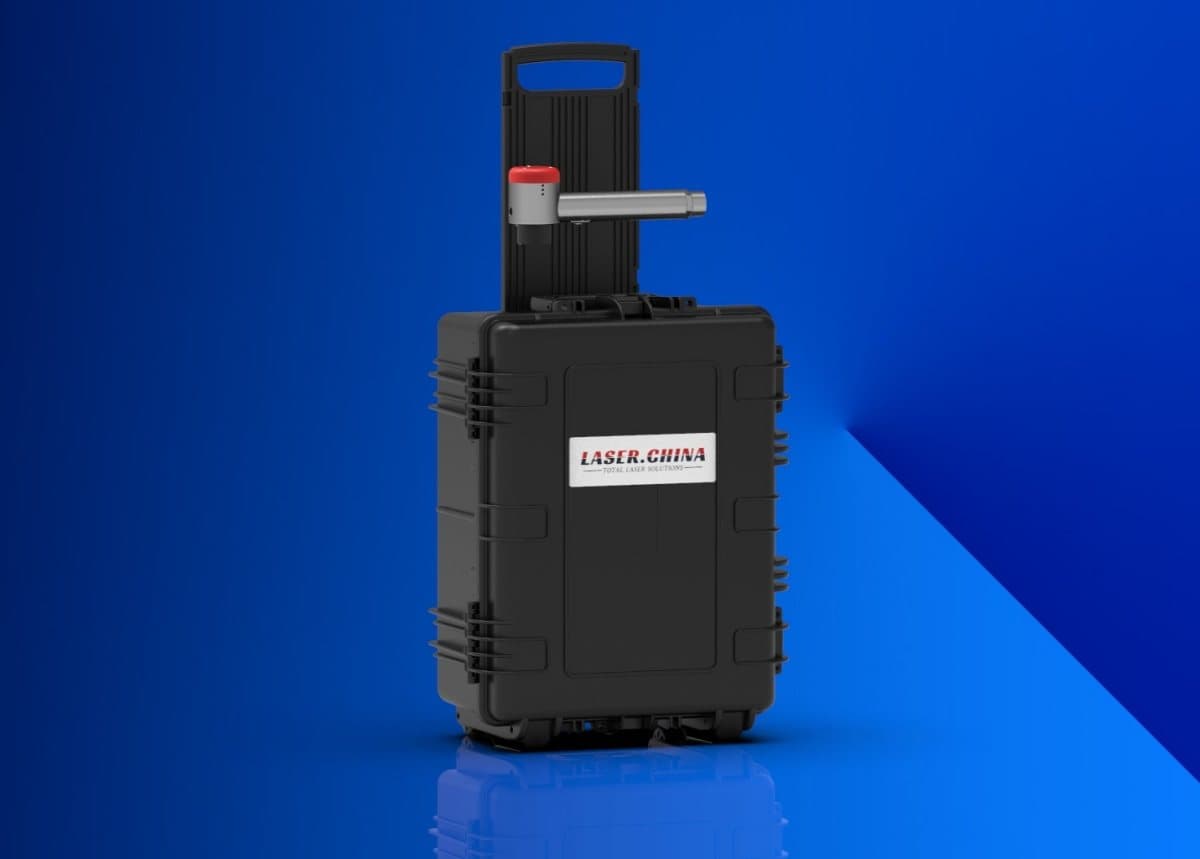
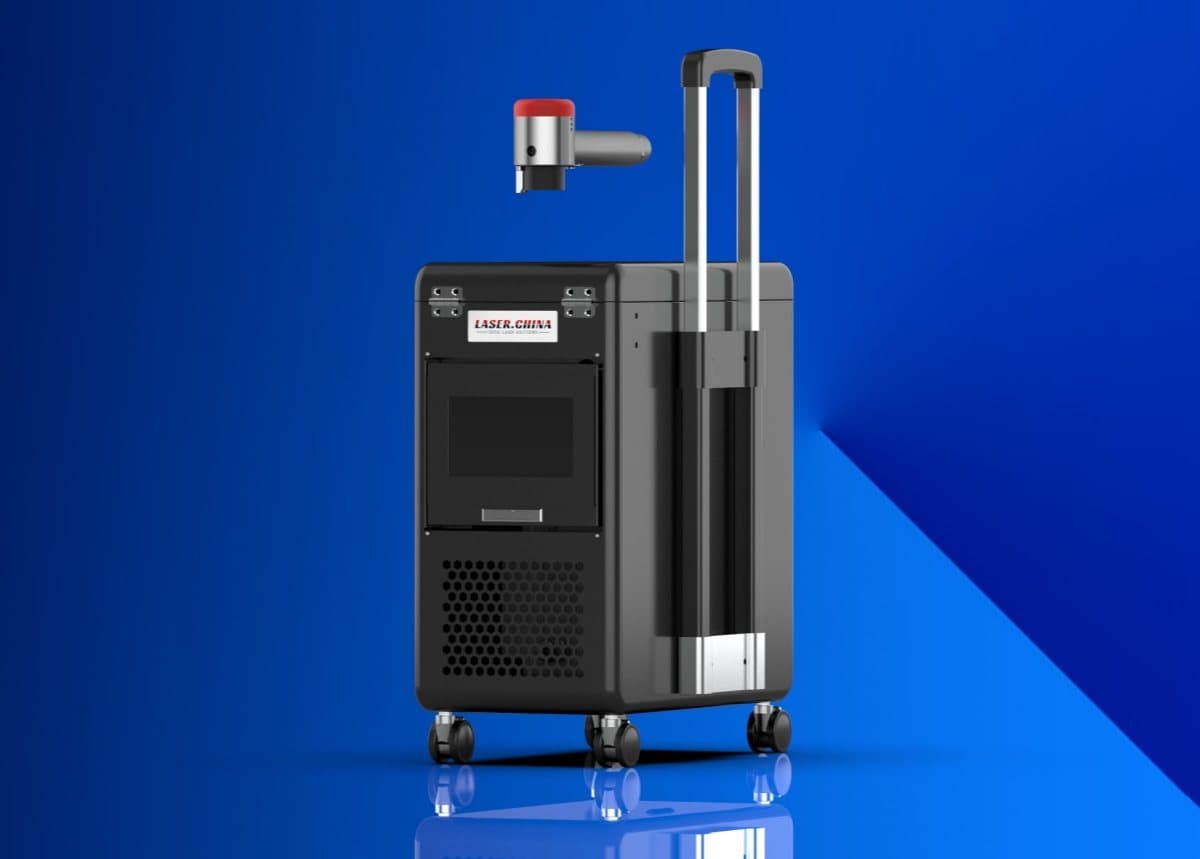
Our suitcase and trolley models are air-cooled and maintenance-free in the sense that there is no water to fill, drain or protect from freezing. They still need clear air paths. Check that the intake and exhaust are free of dust and not blocked by a wall, a bag or a cover.
Water-cooled models
- Check the coolant level at the start of each shift.
- Look for leaks at hoses and fittings.
- Keep the coolant clean and replace it on the schedule given in the manual.
- Take frost into account when storing or moving the machine in cold conditions.
For the choice between the two, see our cooling guide.
Weekly and periodic tasks
| Interval | Task |
|---|---|
| Every shift | Lens, air knife, cables, emergency stop, extractor airflow |
| Weekly | Clean housing and vents, check coolant condition, inspect fittings and mounts |
| Periodic, as per manual | Replace extractor filters, replace coolant on water-cooled models, inspect scanning head optics |
| When updates are released | Install software updates and re-check saved parameters |
| After any impact or fall | Stop and inspect before using. Contact support if in doubt |
Filters and consumable parts
Laser cleaning needs no abrasive or chemical, yet some parts wear. Protective lens and extractor filters are the main ones, and the electricity use is one of the three running-cost items to track. Keep a stock of spare protective lenses so a shift is never lost for want of one.
Software and parameters
Software upgrades are free for life. Install updates as they are released, and back up your saved parameter sets before updating. A written parameter sheet for each recurring job helps every operator reproduce the same finish.
Good habits that save money
- Keep a simple logbook with date, operator, hours, lens changes and any faults.
- Transport the machine in its case or on its trolley, never by the fibre cable or the handheld head.
- Store it dry and clean, with covers on.
- Do not open the sealed laser source or scanning head yourself. Contact support.
When to call for help
Unstable output, unusual noise, repeated alarms, or any sign of damage to the housing or cable deserves a call before the next job. Support is free for life by remote channels, 24/7, and we run 15+ repair centres worldwide using only new original parts. See the warranty and support page for details. A routine you can trust is the cheapest form of insurance, and it also supports the safety checklist.
A sample shift-start routine
Look
Walk around the machine. Check the housing, cable and head for damage.
Power up
Switch on, wait for the self-check, and confirm no alarms.
Check optics and air
Inspect the protective lens and confirm the air knife is blowing.
Check safety
Test the emergency stop and interlocks, and put eyewear on.
Test fire on an offcut
Confirm the beam behaves as expected before starting the real job.
Next step
Ask us for a maintenance sheet for your specific model, along with the spare lens list. Start from the warranty and support page or send us a message.